Security & Privacy

How to Secure Your Online Accounts in Minutes?

How to Secure Your Online Accounts in Minutes?

T

Tekopia

• 783 views
How to Secure Your Online Accounts in Minutes?

With so many apps, websites, and services requiring logins, account security has never been more important. Hackers and cybercriminals often target weak or reused passwords, making it easier to break into multiple accounts at once. Thankfully, keeping your data safe doesn’t require hours of effort—just a few smart habits can go a long way.

🔑 Use Strong, Unique Passwords

  • Avoid reusing passwords: If one account is breached, reused credentials can put all your other accounts at risk.
  • Create strong passwords: Use a mix of uppercase and lowercase letters, numbers, and special characters.
  • Longer is better: A password with 12+ characters is much harder to crack than a short one.
  • Don’t use personal info: Birthdays, pet names, or common words are easy for hackers to guess.

🗂️ Password Managers to the Rescue

  • Apps like LastPass, 1Password, or Bitwarden generate and store secure passwords for you.
  • One master password: You only need to remember a single password to access all your accounts.
  • Cross-device sync: Access your passwords on phones, tablets, and desktops with ease.
  • Auto-fill convenience: Quickly log in without manually typing passwords every time.

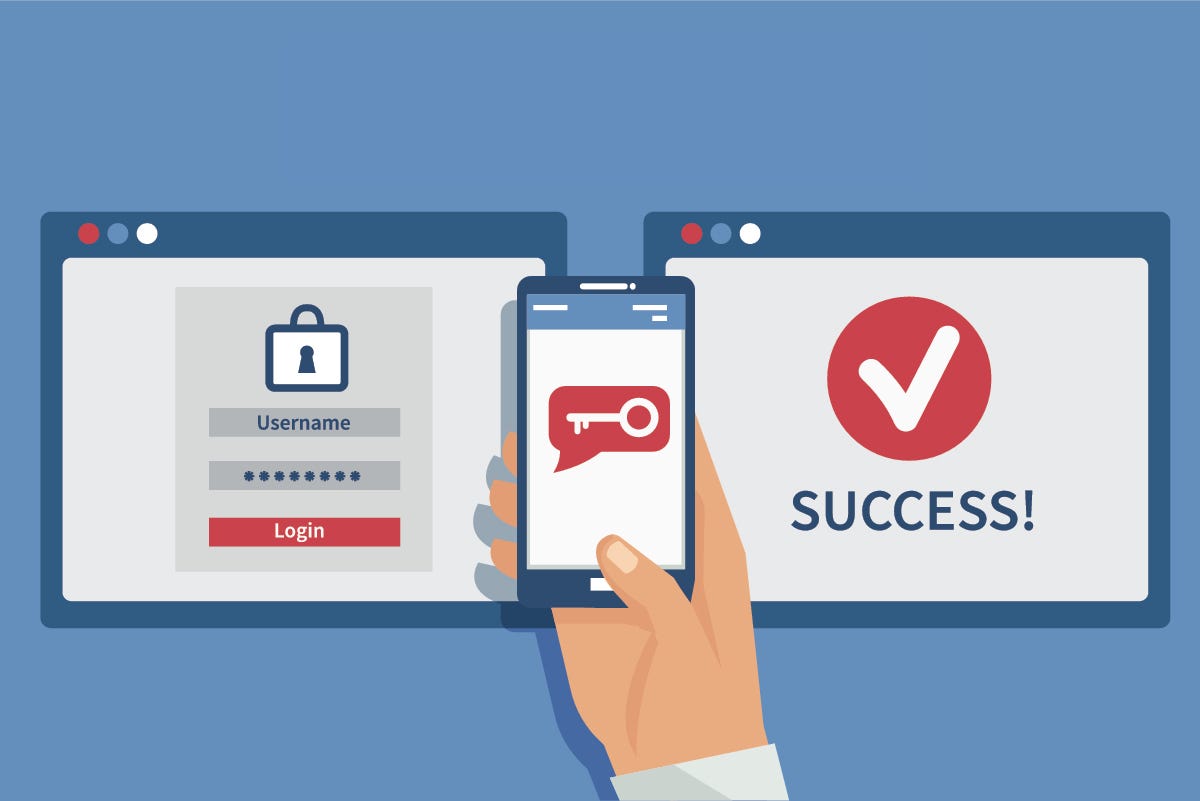
🔒 Enable Two-Factor Authentication (2FA)

  • What it does: Requires a second verification step (like a text code or authenticator app) after entering your password.
  • Why it helps: Even if your password is stolen, 2FA makes it nearly impossible for hackers to access your account.
  • Best tools: Google Authenticator, Authy, or built-in 2FA from services like Gmail, Facebook, and PayPal.
  • Tip: Avoid SMS-only 2FA when possible—authenticator apps or hardware keys (like YubiKey) are more secure.

👀 Monitor Account Activity

  • Check recent logins: Most apps and websites let you see where and when your account was last accessed.
  • Look for suspicious devices or locations: If something seems off, act immediately.
  • Change your password right away if you spot unusual activity.
  • Set up alerts: Some services allow notifications for new logins, helping you respond quickly.

✅ Final Verdict

Securing your accounts doesn’t require complex tech skills—just strong passwords, a password manager, 2FA, and regular monitoring. These small habits can drastically reduce your chances of being hacked. Think of it as digital hygiene: the better your habits, the safer your data will be.

⭐ Pro Tip: Review your security settings at least once every few months—it’s like a health check-up for your online life.

Additional Resources

Visit External Resource

Tags